


在使用Firefox的 Python Selenium时,点击按钮似乎没有反应
我在运行Ubuntu 22.04,使用Firefox 148和 Selenium,geckodriver版本为36.0。我写了一个小的HTML文件和一个Python脚本来说明这个问题。HTML如下:
<html>
    <body>
        <p>alskndafnsgkmsgn</p>
        <br>
        <br>
        <br>
        <button id="flossy" onclick="getElementById('demo').innerHTML = Date()">Help</button>
        <!--
           <button id="flossy">Help</button>
        -->
        <br>
        <br>
        <p id="demo"></p>
        <br>
        <p>slkdgj slgh ;iszj g;jz;x</p>
    </body>
</html>
该HTML在 Firefox中工作正常,但在Selenium中就不行。
Python文件如下:
#!/usr/bin/python3


from selenium import webdriver
from selenium.webdriver.support.ui import WebDriverWait
from selenium.webdriver.common.by import By
from selenium.webdriver.support import expected_conditions as EC
from selenium.webdriver.firefox.options import Options
from selenium.webdriver.common.desired_capabilities import DesiredCapabilities
from selenium.webdriver.firefox.firefox_profile import FirefoxProfile

from pprint import pprint

import time

def highlight( element):
    """Highlights a Selenium WebDriver element to indicate successful selector targeting."""
    driver = element._parent
    def apply_style(s):
        driver.execute_script("arguments[0].setAttribute('style', arguments[1]);", element, s)
    original_style = element.get_attribute('style')
    count = 0
    colors = ['yellow', 'red']
    while count < 10:
        if ((count % 2) == 0):
            background = colors[0]
            border = colors[1]
        else:
            background = colors[1]
            border = colors[0]
        apply_style("background: %s; border: 2px solid %s;" % (background, border))
        time.sleep(0.2)
        count += 1
    apply_style(original_style)

url = "file:///<path to html file>/test.html"

options = Options()
firefox_profile = FirefoxProfile()
firefox_profile.set_preference("javascript.enabled", False)
options.profile = firefox_profile

driver = webdriver.Firefox(options=options)
pprint(driver.capabilities)
print ("~~~~~~~~~~~~~~~~~~~~~~~~~~~~~~~~~~~~~~~~~~~\n")
driver.get( url )

wait = WebDriverWait(driver, 10)
element = wait.until(EC.element_to_be_clickable((By.XPATH, '//button[text()="Help"]')))
element.click() # This command waits until the element is ready for clicking.

highlight ( element )
element.click()
“highlight” 函数来自另一个有类似问题的主题,尽管显示按钮已被正确识别,但仍对点击没有响应。
输出如下:
 ./test.py
<path to file>/test.py:40: DeprecationWarning: firefox_profile has been deprecated, please use an Options object
  firefox_profile = FirefoxProfile()
<path to file>/test.py:42: DeprecationWarning: Setting a profile has been deprecated. Please use the set_preference and install_addons methods
  options.profile = firefox_profile
{'acceptInsecureCerts': True,
 'browserName': 'firefox',
 'browserVersion': '148.0.2',
 'moz:accessibilityChecks': False,
 'moz:buildID': '20260309231353',
 'moz:geckodriverVersion': '0.36.0',
 'moz:headless': False,
 'moz:platformVersion': '6.8.0-101-generic',
 'moz:processID': 1196767,
 'moz:profile': '/tmp/rust_mozprofileOYDFl5',
 'moz:shutdownTimeout': 60000,
 'moz:webdriverClick': True,
 'moz:windowless': False,
 'pageLoadStrategy': 'normal',
 'platformName': 'linux',
 'proxy': {},
 'setWindowRect': True,
 'strictFileInteractability': False,
 'timeouts': {'implicit': 0, 'pageLoad': 300000, 'script': 30000},
 'unhandledPromptBehavior': 'dismiss and notify',
 'userAgent': 'Mozilla/5.0 (X11; Ubuntu; Linux x86_64; rv:148.0) '
              'Gecko/20100101 Firefox/148.0'}
~~~~~~~~~~~~~~~~~~~~~~~~~~~~~~~~~~~~~~~~~~~
我也尝试了我找到的JavaScript点击示例,结果相同。
很抱歉,不过我现在把问题移到别处了!
注释掉 firefox_profile.set_preference("javascript.enabled", False) 在示例中能工作,但在我的实际代码中,这会让一个cookie弹窗被阻挡,因此我打算另寻解决办法。
随后我想到去看看关于已废弃选项的那个点——因为它们只是警告,我选择忽略以让代码工作。
我把 geckodriver 从0.26更新到0.36,并确保运行的是Selenium 4.41.0。
现在,出现了 OSError: [Errno 8] Exec format error: '/<path to driver>/geckodriver'。
驱动程序的位置在PATH中,据此我发现这意味着我在这台电脑上使用了错误的 geckodriver。
我已经尝试了 geckodriver-v0.36.0-linux64.tar.gz,我猜这适用于我的英特尔架构笔记本。
然后我又试着回滚到0.26的 geckodriver,结果也不行。
随后我进入相关目录,输入 geckodriver -V 以获取0.26版本的报告信息,得到了版本信息。
当我对0.36版本做同样的尝试时,我得到了:-
bash: /<path to>/geckodriver: cannot execute binary file: Exec format error
用十六进制编辑器查看这两个文件时,它们都以 "ELF" 标签开头,说明里面可能有调试信息,但这两个文件看起来差异很大。
因此,我已经略微往前推进了一点,但还不能执行我的原始Python脚本,也不能执行测试脚本。
任何帮助都将不胜感激(也感谢至今的所有帮助)。
解决方案
我认为有两件独立的问题:
- 我认为其中一个问题是你已禁用Javascript,
firefox_profile.set_preference("javascript.enabled", False)
但你要点击的某个元素带有一个 onclick,它是Javascript。HTML如下,
<button id="flossy" onclick="getElementById('demo').innerHTML = Date()">Help</button>
                       ^^^^        this part here is Javascript        ^^^
删除禁用Javascript的这一行就可以解决。
- 我在错误信息中看到几个弃用警告,
<path to file>/test.py:40: DeprecationWarning: firefox_profile has been deprecated, please use an Options object
     firefox_profile = FirefoxProfile()
   <path to file>/test.py:42: DeprecationWarning: Setting a profile has been deprecated. Please use the set_preference and install_addons methods
     options.profile = firefox_profile
这意味着你使用的方法/属性已经被移除,不再有效。就你而言,这并不算太大,因为你不再需要禁用Javascript,因此对 FirefoxProfile() 的需求也不存在。
因此这段代码
```
url = "file:///
options = Options() firefox_profile = FirefoxProfile() firefox_profile.set_preference("javascript.enabled", False) options.profile = firefox_profile
driver = webdriver.Firefox(options=options) ```
变成
```
url = "file:///
driver = webdriver.Firefox(options=options) ```
在移除所有的 options 之后。
请尝试这两件事,看看是否有效,并告知结果。
备选方案
关于为什么会出现 DeprecationWarning,还不太清楚,因为firefox_profile模块在最新的Selenium版本4.44.0下仍然能完美工作,默认使用内建的 Selenium Manager 并且在我的Windows 11系统上为Firefox版本151.0.2 (64-bit) 下载了匹配的GeckoDriver。
最小代码:
from selenium import webdriver
from selenium.webdriver.firefox.options import Options
from selenium.webdriver.firefox.firefox_profile import FirefoxProfile

options = Options()
firefox_profile = FirefoxProfile()
firefox_profile.set_preference("javascript.enabled", False)
options.profile = firefox_profile
driver = webdriver.Firefox(options=options)
driver.get("file:///D:/My%20Documents/Interview%20Notes/StackOverflow/webpage.html")
快照:
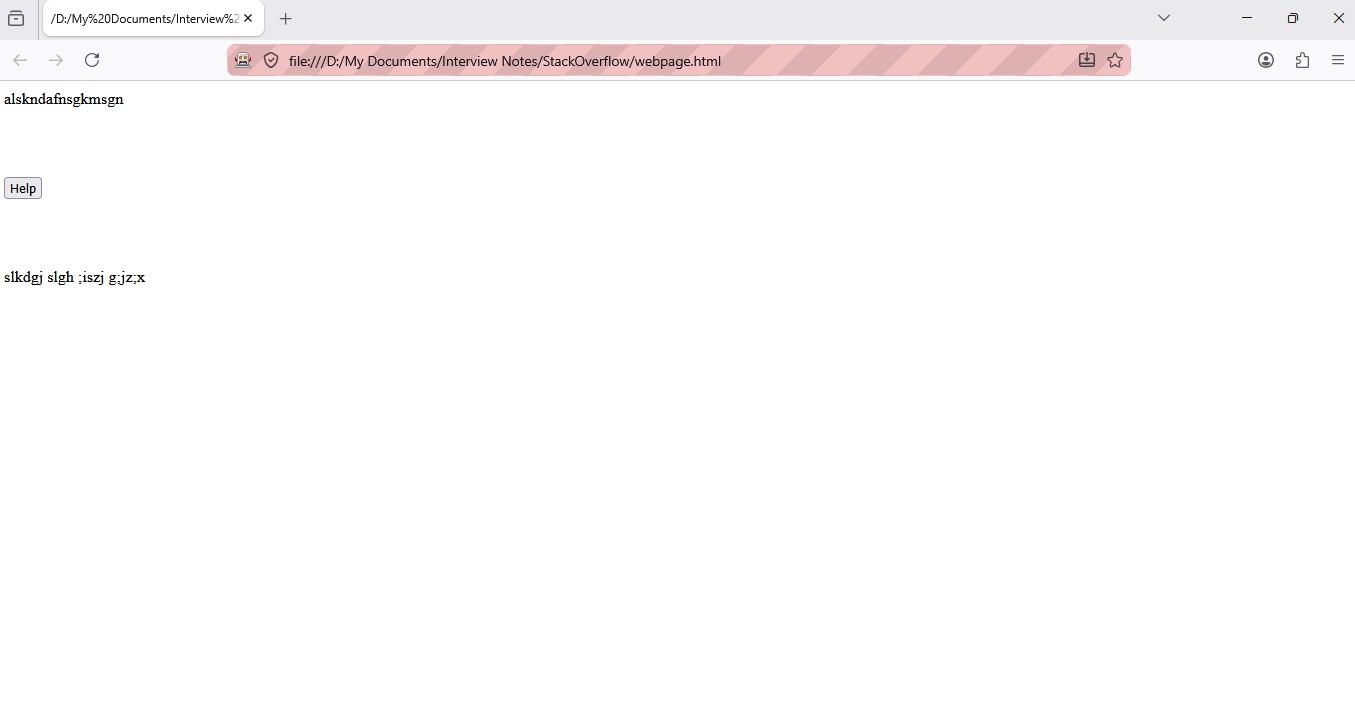
高亮显示元素
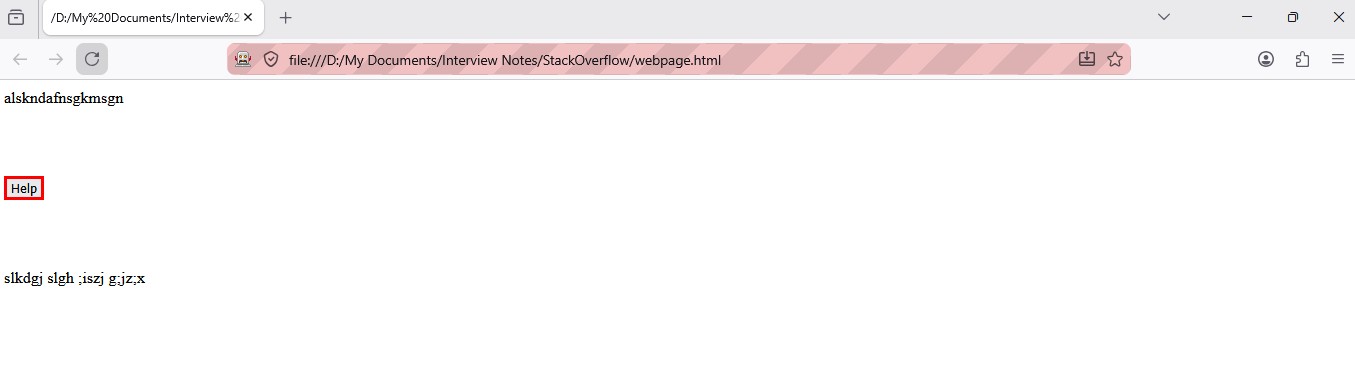
此外,如果你想高亮显示元素 Help,你需要使用JavaScript修改该元素的 style 属性,因为没有内置的Selenium方法来实现这一点。要实现,需要添加以下代码行:
driver.execute_script("arguments[0].style.border='3px solid red'", element)
这样目标元素就会以红色(3px)的边框高亮显示。
增强后的代码:
from selenium import webdriver
from selenium.webdriver.firefox.options import Options
from selenium.webdriver.firefox.firefox_profile import FirefoxProfile
from selenium.webdriver.common.by import By

options = Options()
firefox_profile = FirefoxProfile()
firefox_profile.set_preference("javascript.enabled", False)
options.profile = firefox_profile
driver = webdriver.Firefox(options=options)
driver.get("file:///D:/My%20Documents/Interview%20Notes/StackOverflow/webpage.html")
element = driver.find_element(By.XPATH, "//button[text()='Help']")
driver.execute_script("arguments[0].style.border='3px solid red'", element)
快照:
相关文章





