


Playwright在用现有Chrome配置文件运行浏览器时给我带来了不少麻烦
我一直在浏览网页,用大型语言模型进行调试,但仍然没能解决这个看似简单的问题。
下面是我的代码:
// @ts-check
import { chromium, test } from '@playwright/test';
import { rmSync } from 'fs';
import os from 'os';
import path from 'path';

test('open gemini with existing chrome profile', async () => {
  const userDataDir = path.join(
    os.homedir(),
    'AppData',
    'Local',
    'Google',
    'Chrome',
    'User Data'
  );

  // Remove stale lock/session files that can cause launchPersistentContext to timeout
  for (const file of ['SingletonLock', 'SingletonCookie', 'SingletonSocket']) {
    try { rmSync(path.join(userDataDir, file), { force: true }); } catch { }
  }

  const context = await chromium.launchPersistentContext(userDataDir, {
    channel: 'chrome',
    headless: false,
    args: ['--profile-directory=Profile 2'],
  });

  const page = context.pages().at(0) ?? (await context.newPage());
  await page.goto('https://gemini.google.com/', { waitUntil: 'domcontentloaded' });
  await page.waitForTimeout(8000);

  await context.close();
});
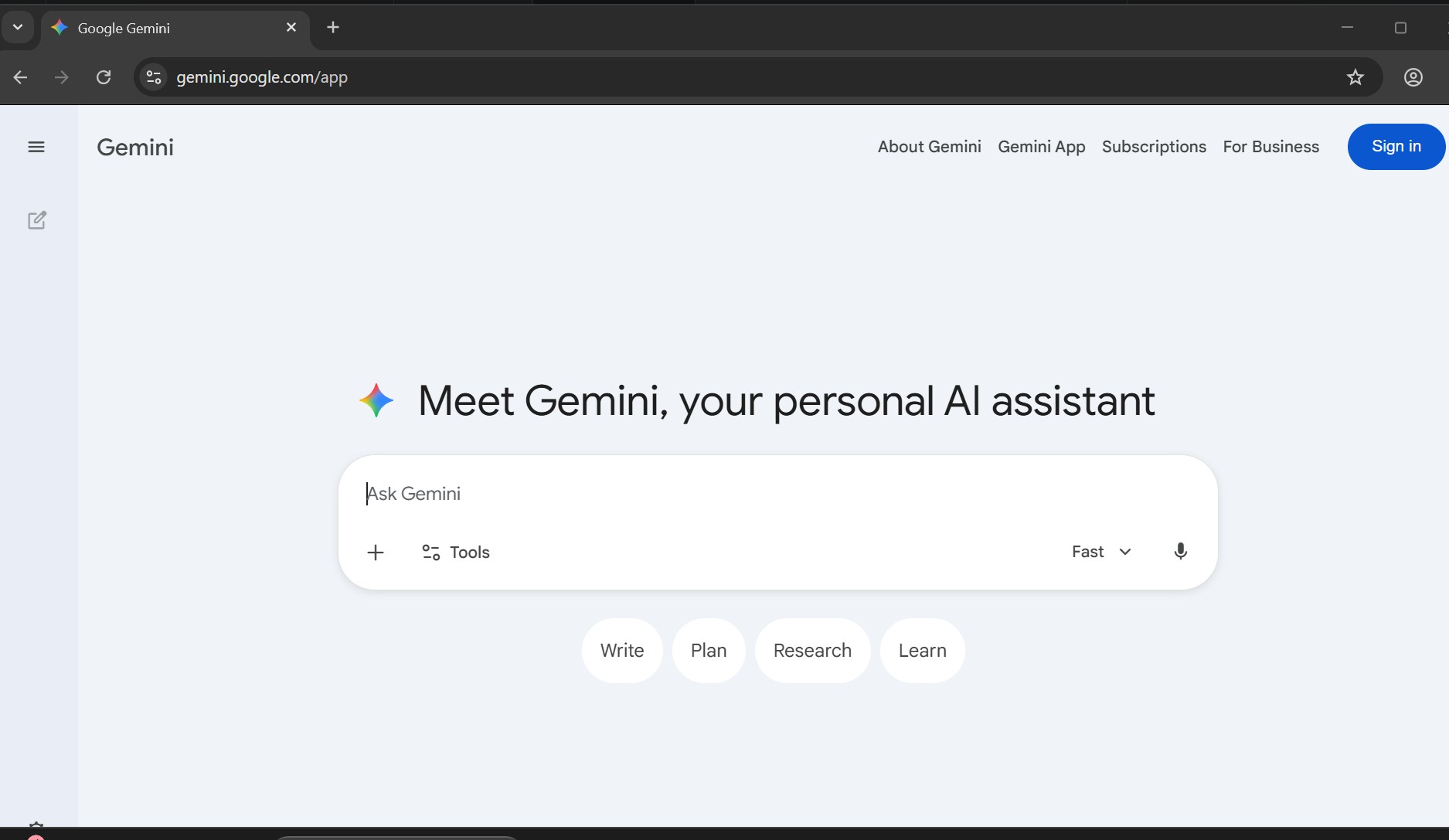
我需要通过Playwright打开Gemini,但要使用我现有的浏览器上下文(Profile 2)
但这真的让我头疼。以下是调试日志:
Search tests
open gemini with existing chrome profile
example.spec.js:7
30.0s
chrome-profile-2
Copy prompt
Test timeout of 30000ms exceeded.
Filter steps
Before Hooks
14ms
Launch persistent context— example.spec.js:22
-
  21 |
  22 |   const context = await chromium.launchPersistentContext(userDataDir, {
     |                   ^
  23 |     channel: 'chrome',
After Hooks
32ms
Worker Cleanup
2ms
error-context
有人能帮忙吗?
我是在Windows电脑上运行,Playwright版本是 1.59.1。Chrome版本:146.0.7680.178
另外这是一个由组织管理的浏览器,但我希望没问题。
所以我能看到Playwright使用我的用户配置启动浏览器,但后面就没有任何输出。
解决方案
以下是我最终可用的做法
npx playwright install chromium
在PowerShell中创建一个临时文件夹并复制现有的Profile 2数据
# Create destination
New-Item -ItemType Directory -Force -Path "C:\temp\playwright-profile"

# Copy your Profile 2 contents into the Default profile slot
# (Playwright's Chromium always uses the "Default" profile)
Copy-Item -Recurse -Force `
  "C:\Users\$env:USERNAME\AppData\Local\Google\Chrome\User Data\Profile 2\*" `
  "C:\temp\playwright-profile\Default\"
用这个替换你的代码
// @ts-check
import { chromium, test } from '@playwright/test';

test.setTimeout(90000);

const PROFILE_DIR = 'C:\\temp\\playwright-profile';

test('open gemini with existing chrome profile', async () => {
  const context = await chromium.launchPersistentContext(PROFILE_DIR, {
    headless: false,
    args: [
      '--no-first-run',
      '--no-default-browser-check',
    ],
  });

  const page = context.pages()[0] ?? await context.newPage();
  await page.goto('https://gemini.google.com/', { waitUntil: 'domcontentloaded' });
  await page.waitForTimeout(8000);

  await context.close();
});
然后运行它
npx playwright test gemini.spec.js --headed
站内所有文章版权归属LeftHeroAI导航站,无授权禁止任何主体转载、抄袭、复制内容,亦不得私自架设镜像站点。一经侵权,本站将通过法律途径追责。
相关文章






汇集全球数千款 AI 工具,每日持续更新,配套 AI 开发学习资源,轻松用 AI 提升工作效率。快捷键 Ctrl+D/⌘+D 一键收藏本站。