


Pythonista中 ui.TableView的单元格背景颜色在重新加载后被重置
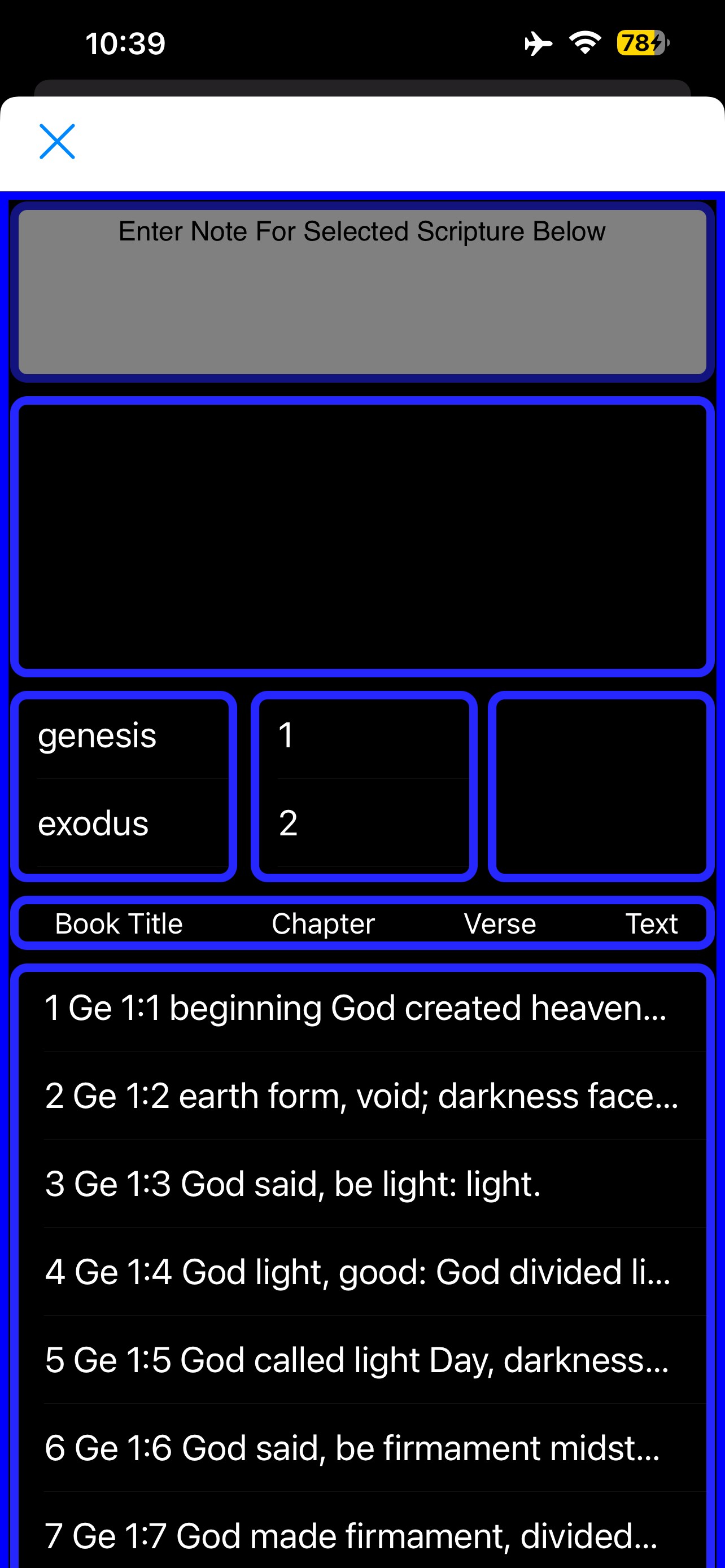
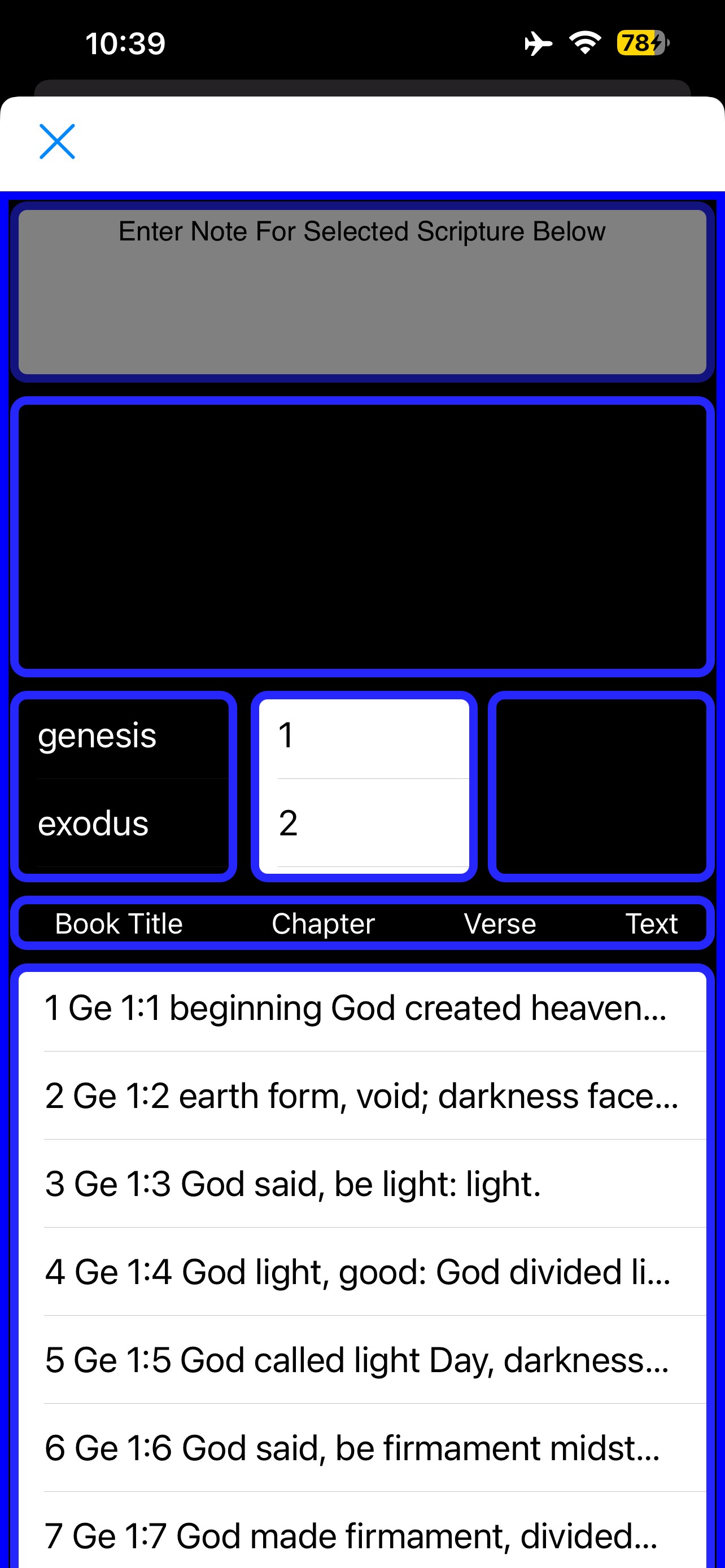
下文提到tableview_cell_for_row。 在tableview_did_select中数据源被修改后,更新刚完成就会执行reload(),导致所有单元格的背景色恢复成白色。
在应用中,tableview2显示的是一个项目数据源:选中某项后,会在tableview_did_select中触发数据源的改变并重新加载tableview1。tableview1的单元格背景色会恢复成白色。
这是不希望看到的行为,我希望tableview1的单元格背景色保持一致。我已经尝试了多种变通方法,但都无效。请帮忙。
下面附上截图以展示当前情况。
elif tableview == table_view_two:
    selected_item =
          tableview.data_source.items[row]
    t_v_o_d_s =
          get_data_source('table_view_one',
          selected_item)
    data_source =
          ui.ListDataSource(t_v_o_d_s)

    table_view_one.data_source =
          data_source

    table_view_one.reload()

    table_view_two.selected_row = -1
def tableview_cell_for_row(tableview, section, row):

     cell = ui.TableViewCell()

     cell.text_label.text =
          tableview.data_source.items[row]
     cell.background_color = 'black'

     cell.text_label.text_color = 'white'

     return cell
解决方案
这需要相当多的研究才能理解,在使用ui.ListDataSource时,tableview_cell_for_row不会被调用。关于此答案的细节,请参见以下链接。
我现在也更清楚的是,在使用ui.ListDataSource更新tableview的数据源时,应该通过tableview.data_source.items = update来完成。
站内所有文章版权归属LeftHeroAI导航站,无授权禁止任何主体转载、抄袭、复制内容,亦不得私自架设镜像站点。一经侵权,本站将通过法律途径追责。
相关文章






汇集全球数千款 AI 工具,每日持续更新,配套 AI 开发学习资源,轻松用 AI 提升工作效率。快捷键 Ctrl+D/⌘+D 一键收藏本站。