


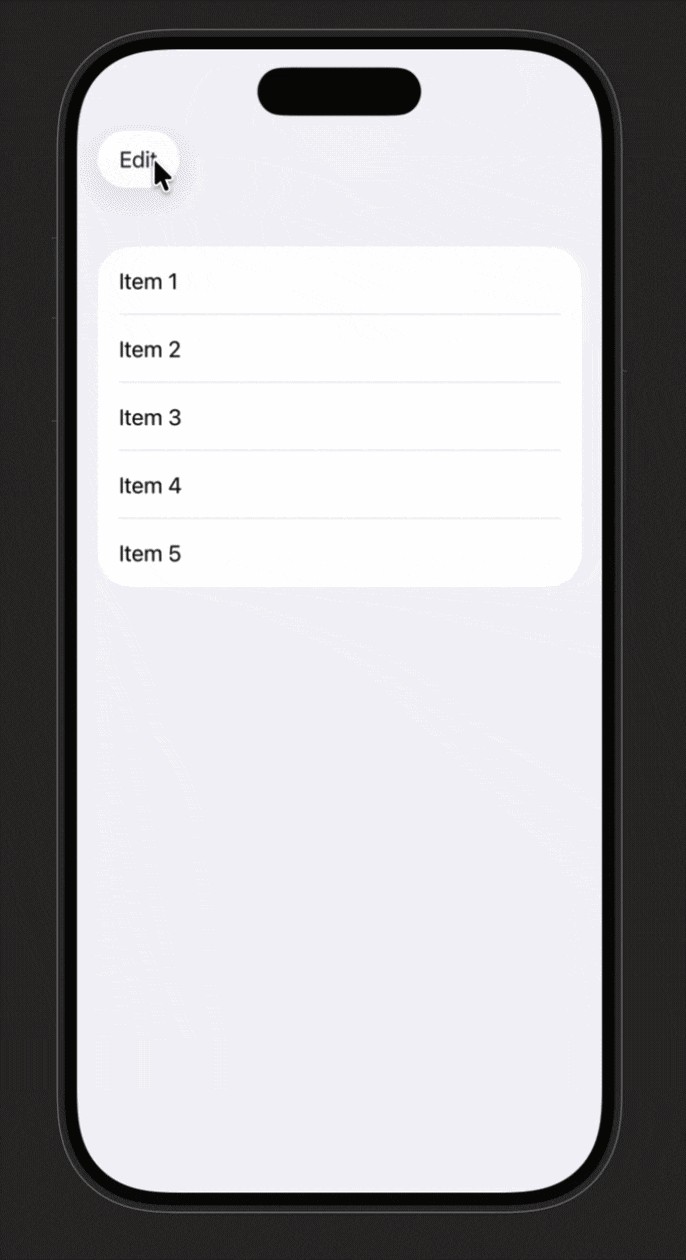
进入编辑模式且禁用滑动删除时,列表的动画会出错
我想在列表上放置一个编辑按钮,以便一次性删除多条项目,而不需要每行开头的红色删除控件。
为了移除这些删除控件,我使用了这个 .deleteDisabled(editMode?.wrappedValue.isEditing == true)。不过当我加入这行后,进入编辑模式时的动画会变得很奇怪,像是在列表上跳动。
你可以在这里找到一个示例代码:
import SwiftUI

struct ContentView: View {
    @State private var items = ["Item 1", "Item 2", "Item 3", "Item 4", "Item 5"]
    @State private var selection: Set<String> = []

    var body: some View {
        NavigationStack {
            List(selection: $selection) {
                ItemsList(items: $items)
            }
            .toolbar {
                ToolbarItem(placement: .topBarLeading) {
                    EditButton()
                }
                ToolbarItem(placement: .topBarTrailing) {
                    if !selection.isEmpty {
                        Button("Delete", role: .destructive) {
                            items.removeAll { selection.contains($0) }
                            selection.removeAll()
                        }
                    }
                }
            }
        }
    }
}

private struct ItemsList: View {
    @Binding var items: [String]
    @Environment(\.editMode) private var editMode

    var body: some View {
        ForEach(items, id: \.self) { item in
            Text(item)
        }
        .onDelete { offsets in
            items.remove(atOffsets: offsets)
        }
        .deleteDisabled(editMode?.wrappedValue.isEditing == true) // the bug appears with this line
    }
}

#Preview {
    ContentView()
}
解决方案
这个问题之所以会出现,是因为 .deleteDisabled 的状态是在编辑模式变化时“作为响应”被改变,此时编辑模式的动画已经在进行中。因此,动画一开始就带有每行的红色删除按钮,但这些按钮在动画开始后就会消失,导致跳动的移动。
应用 .deleteDisabled(true) 会使滑动删除无效,并在启用编辑模式时隐藏红色删除按钮。然而,它并不能阻止通过你的删除按钮删除已选中的行。
因此如果你不想支持滑动删除,一个简单的修复方法是在 ItemsList 中把参数改为 true。.onDelete 也不是必需的:
ForEach(items, id: \.self) { item in
    Text(item)
}
.deleteDisabled(true) // 👈 here
如果你确实想要支持滑动删除,但又不希望在启用编辑模式时看到红色按钮,那么为解决动画问题的一种变通办法是在进入编辑模式之前就禁用行的删除。这可以通过使用你自己的按钮来执行状态变更来实现,而不是使用 EditButton。
当然,这从来没有像你期望的那么简单:
- 本地的
EditButton在被激活时会改变外观,因此如果你想让自定义按钮的行为也一样,你需要自己完成外观的变化。 - 关闭编辑模式时,必须等动画完成后再重新启用行的删除功能,否则红色删除按钮会过早显示。
解决最后这一点的一种方法是使用一个包含3个状态的枚举来驱动模式的改变。额外的枚举状态是在关闭时使用的中间状态。实际的编辑模式通过 withAnimation 关闭,并使用一个 completion 闭包来对枚举状态执行后续更新。
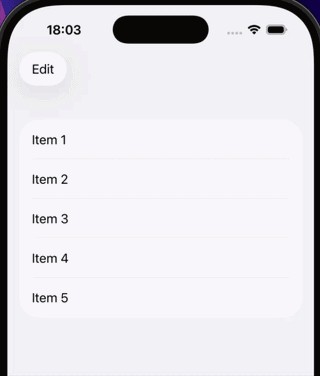
下面是更新后的示例,展示其工作效果:
struct ContentView: View {
    enum EditPhase {
        case active
        case turningOff
        case inactive
    }
    @State private var items = ["Item 1", "Item 2", "Item 3", "Item 4", "Item 5"]
    @State private var selection: Set<String> = []
    @State private var editMode = EditMode.inactive
    @State private var editPhase = EditPhase.inactive

    var body: some View {
        NavigationStack {
            List(selection: $selection) {
                ItemsList(items: $items, isEditing: editPhase != .inactive)
            }
            .environment(\.editMode, $editMode)
            .toolbar {
                ToolbarItem(placement: .topBarLeading) {
                    if editPhase == .active {
                        Button(role: .confirm) {
                            editPhase = .turningOff
                        }
                    } else {
                        Button("Edit") {
                            if editPhase == .inactive {
                                withAnimation {
                                    editPhase = .active
                                }
                            }
                            // else... animation in progress, do nothing
                        }
                    }
                }
                ToolbarItem(placement: .topBarTrailing) {
                    if !selection.isEmpty {
                        Button("Delete", role: .destructive) {
                            items.removeAll { selection.contains($0) }
                            selection.removeAll()
                        }
                    }
                }
            }
            .task(id: editPhase) {
                if editPhase == .active {
                    withAnimation {
                        editMode = .active
                    }
                } else if editPhase == .turningOff {
                    withAnimation {
                        editMode = .inactive
                    } completion: {
                        editPhase = .inactive
                    }
                }
            }
        }
    }
}

private struct ItemsList: View {
    @Binding var items: [String]
    let isEditing: Bool

    var body: some View {
        ForEach(items, id: \.self) { item in
            Text(item)
        }
        .onDelete { offsets in
            items.remove(atOffsets: offsets)
        }
        .deleteDisabled(isEditing)
    }
}
站内所有文章版权归属LeftHeroAI导航站,无授权禁止任何主体转载、抄袭、复制内容,亦不得私自架设镜像站点。一经侵权,本站将通过法律途径追责。
相关文章






汇集全球数千款 AI 工具,每日持续更新,配套 AI 开发学习资源,轻松用 AI 提升工作效率。快捷键 Ctrl+D/⌘+D 一键收藏本站。